Community

Connecting WordPress People

Themes and the Site Editor

Change how the whole site looks: styles, templates, header and menus

Beginner 5 lessons About 4 min English

Taught by Andrij Tkachenko

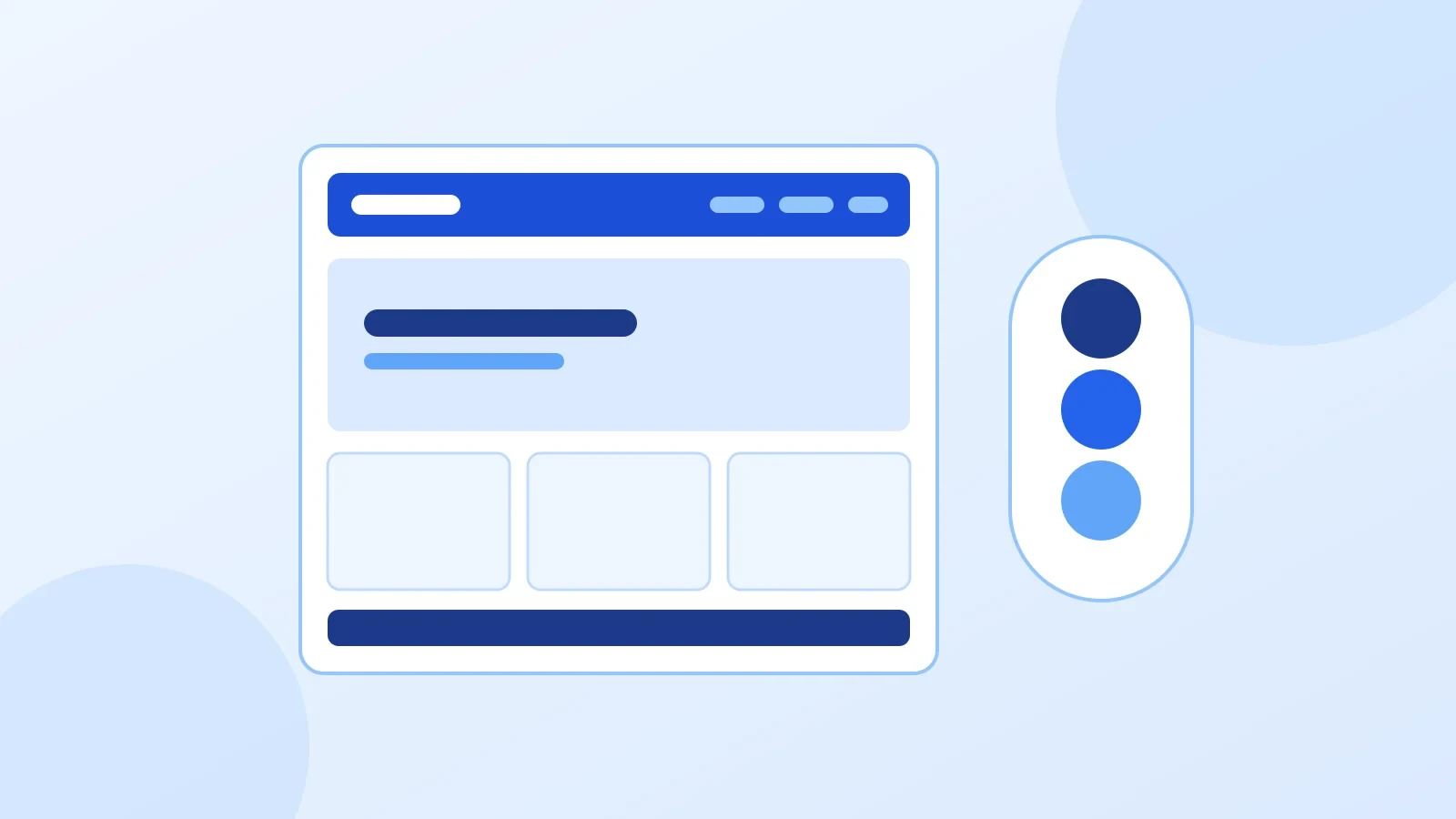
A page layout with a header, columns and a colour palette

What you’ll learn

  • Pick and switch a theme safely
  • Change the colours and fonts of the whole site at once
  • Edit the header, the footer and the navigation menu
  • Know a template from a template part

Lessons

2 sections · 5 lessons · about 4 min

Themes
  1. What a theme does Reading · 1 min Preview
The Site Editor
  1. Styles: the whole site at once Reading · 1 min Opens when you enrol
  2. Templates and template parts Reading · 1 min Opens when you enrol
  3. Menus: the Navigation block Reading · 1 min Opens when you enrol
  4. Check yourself: themes Quiz · 3 questions Opens when you enrol

About this course

A theme decides how every page looks. With a block theme you change all of it in the Site Editor, using the same blocks you write posts with.

Who it’s for

  • Site owners who want their site to look like theirs, without hiring a developer.

Before you start

  • A site running a block theme (Twenty Twenty-Five is one). Finish Writing with the block editor first.

This course includes

  • 4 lessons to read
  • 1 quiz to check yourself
  • A group to ask questions in
  • At your own pace

Your instructor

Course group

Students ask and help each other here.

It opens to you when you enrol.

Free Be one of the first Enrol for free
0